How to Choose a Gym & Fitness Website Template (2026 Guide)

Originally published at https://designtocodes.com on July 17, 2026.
What to look for in a gym website template
A good gym website template makes joining and viewing the class schedule effortless, loads fast on mobile, looks credible with real photos, and is easy to customize without code. Conversion comes before brand storytelling. This guide covers the must-have sections, how to choose, and a fast setup plan.
Must-have sections for a gym website
- Hero with a join or free-trial button above the fold
- Class schedule that is easy to scan
- Membership pricing is shown clearly
- Trainers and facilities with real photos
- Testimonials and member results
- Location, hours, and a map
How to set up your gym website fast
- Add real photos of your space and members
- Fill in the schedule and pricing
- Set one primary call to action and repeat it
- Add your location, hours, and a booking or contact form
- Test the page on mobile with PageSpeed Insights
Local SEO for gyms
Complete your Google Business Profile, use your city in page titles and headings, add LocalBusiness structured data, and keep your name, address, and phone consistent across the web.
Best 3 gym website templates 2026
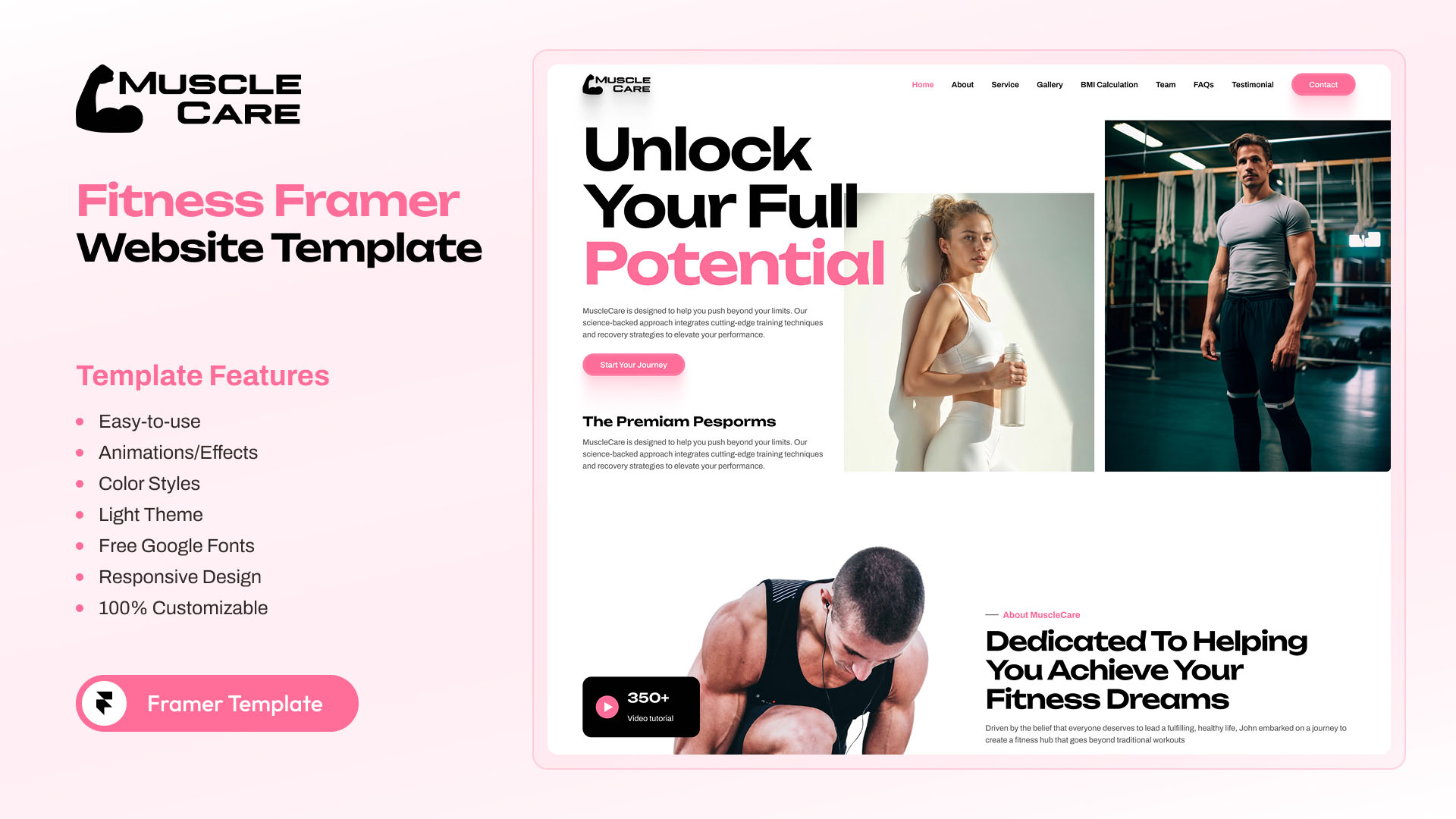
MuscleCare – OnePage Fitness Framer Template
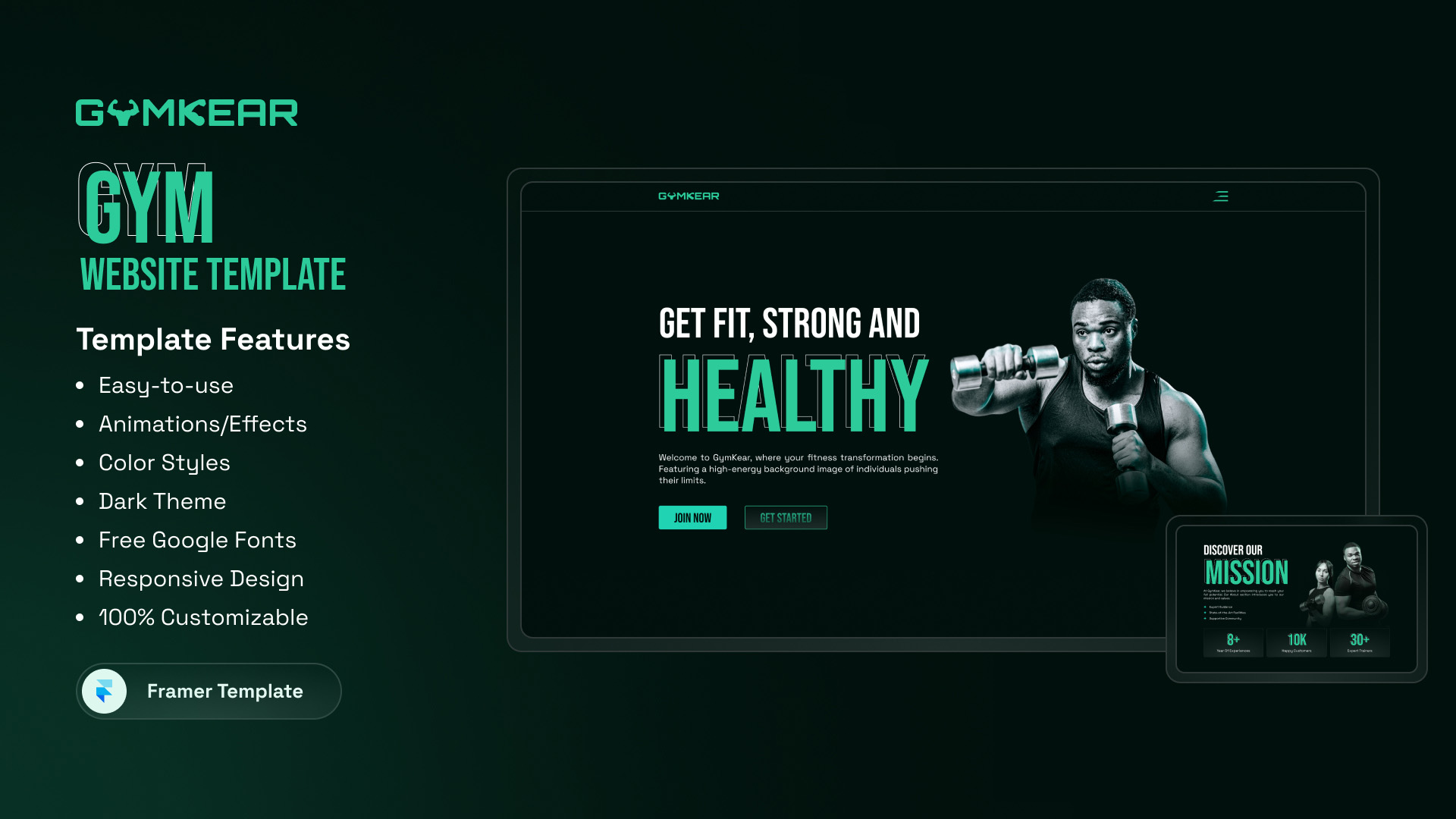
Gymkear – Professional Framer Template for Gym Websites
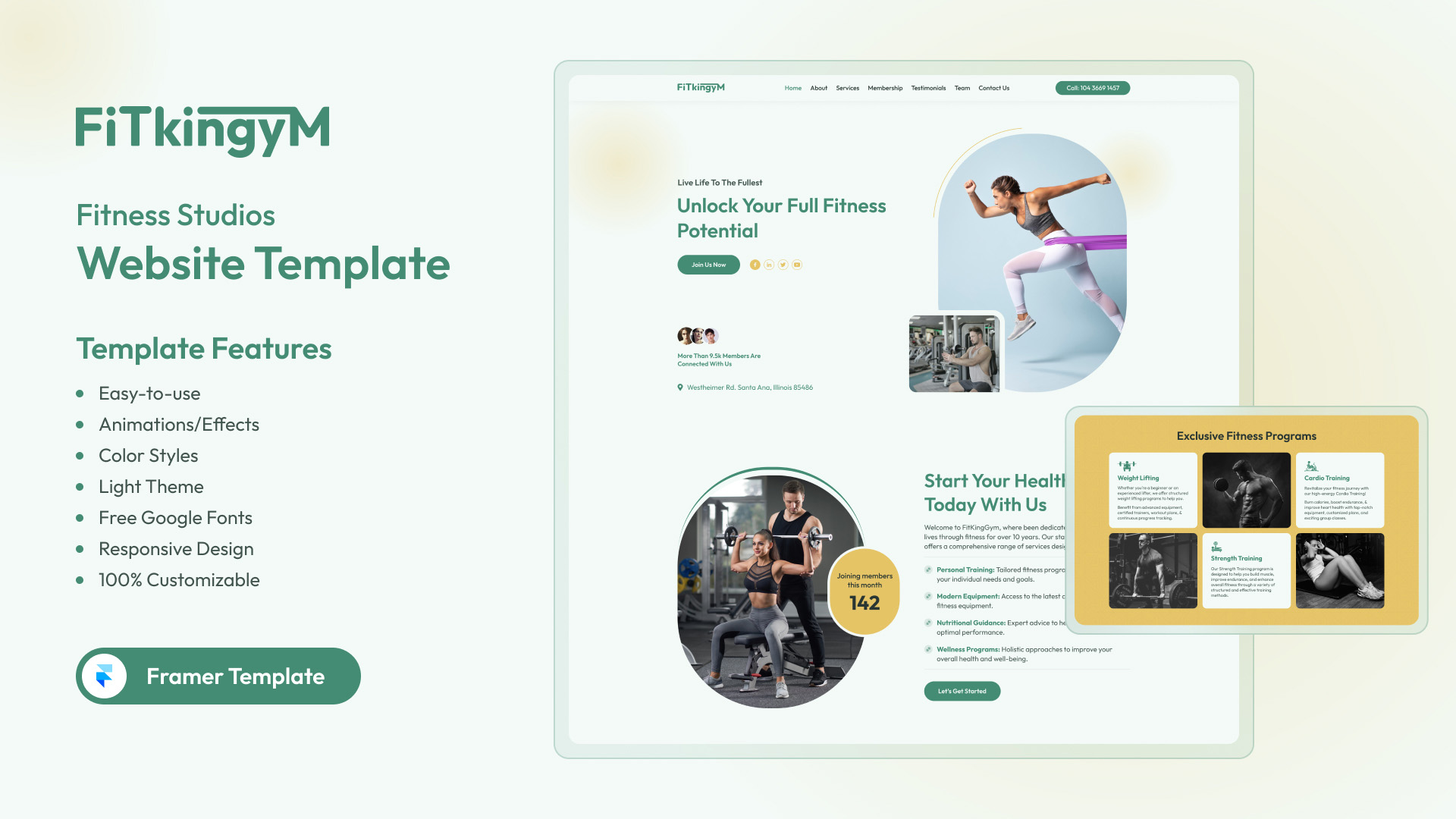
FitKinGym – Best Fitness and Gym Framer Template
Frequently asked questions
Should a gym website show membership prices?
Yes. Hiding prices lowers trust and conversions. Show clear tiers and offer a call for custom plans.
Do I need a custom website for my gym?
Usually not. A quality template with the right sections launches faster and costs far less than a custom build.
Launch your gym site this week. Start from the Gymkear gym template.


Comments
Post a Comment